

How to add audio to a play
Go to the "Notes" tab in the play editor
You can add audio to the play description or each phase description
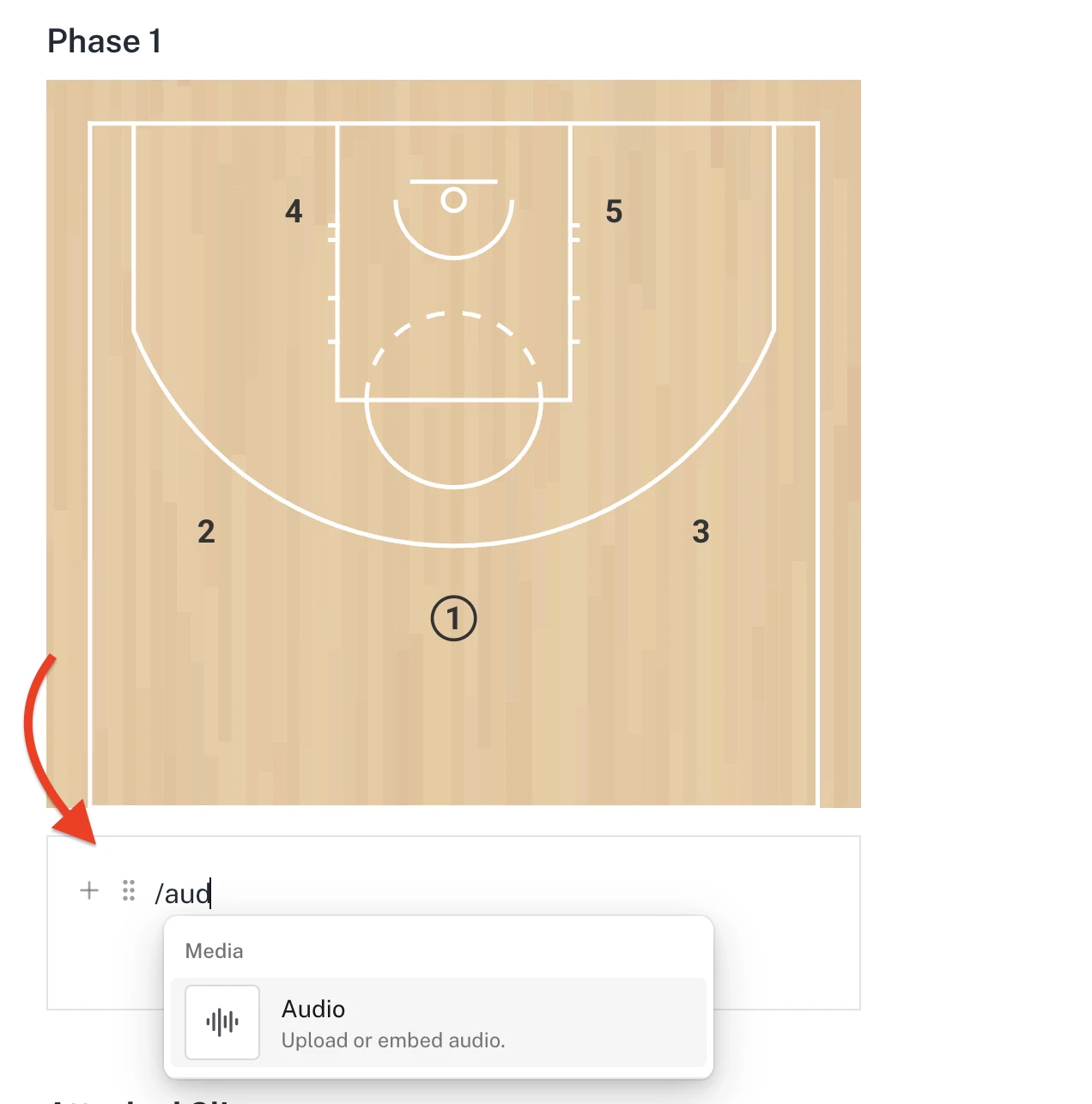
Click into the editor and either click on the + icon or type a "/"
Now select Audio to upload any audio clip or record a new one
